What Trakr is
Trakr is a campaign URL builder for teams on GA4. You define your naming conventions, channel definitions, and field structure once. After that, anyone on your team follows a guided flow and gets a correctly formatted URL with the right utm_source, utm_medium, and campaign parameters. Every URL is checked against your channel rules before you copy it, so campaigns stop landing in the Unassigned channel of your GA4 reports.
The setup flow
Setup has three stops: pick a starting point, configure your syntax, configure your channels. You go through it once; your team then only uses the builder.
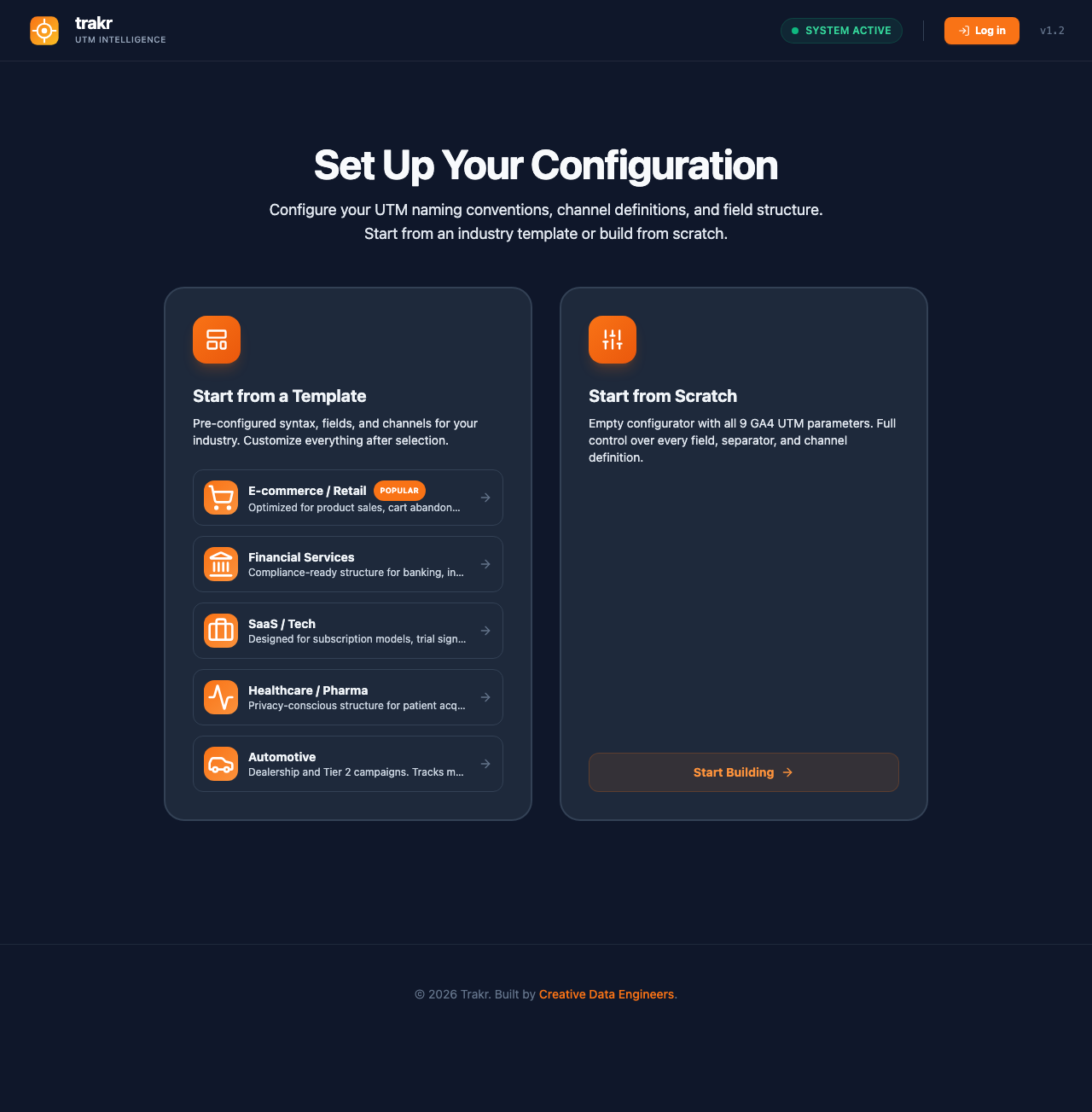
Templates or scratch
Templates seed a complete configuration for one industry: fields, syntax order, and a channel set (E-commerce ships 8 channels and 9 fields, for example). Clicking a template opens a preview of exactly what you get. Everything remains editable after selection. Starting from scratch gives you all 9 GA4 UTM parameters with empty structures, and the complete channel set: all 19 standard GA4 channel definitions, including the 2026 AI Assistants channel, plus two ready-made custom channels that split paid search by brand intent. The full checked list is on the channels page.
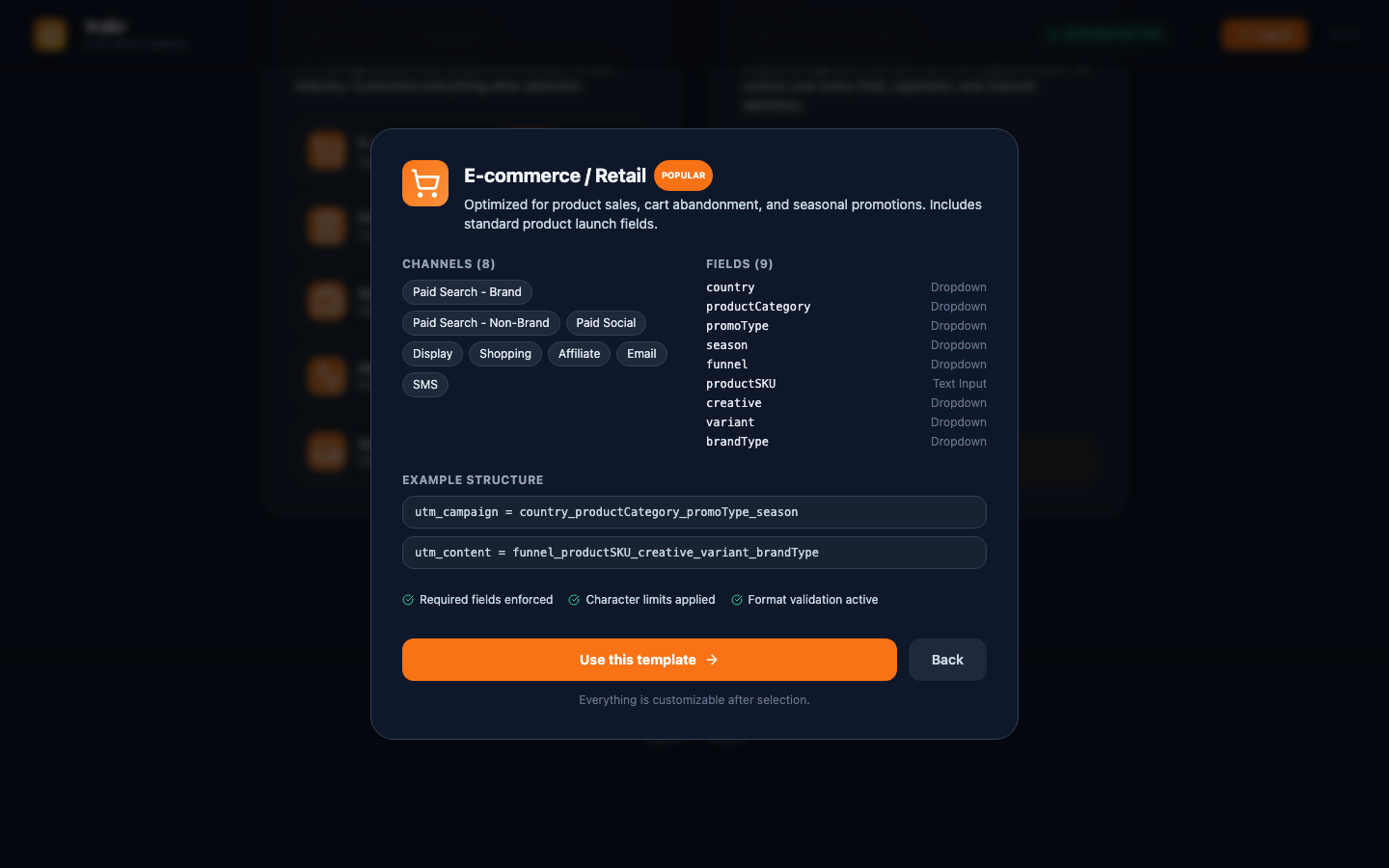
Configure syntax, then channels
Step 1 of setup is the syntax builder: which building blocks make up each UTM parameter and in which order. Step 2 is channel definitions: which source and medium combinations your team may use per channel. Finish Setup saves the configuration and opens the builder.
Building URLs
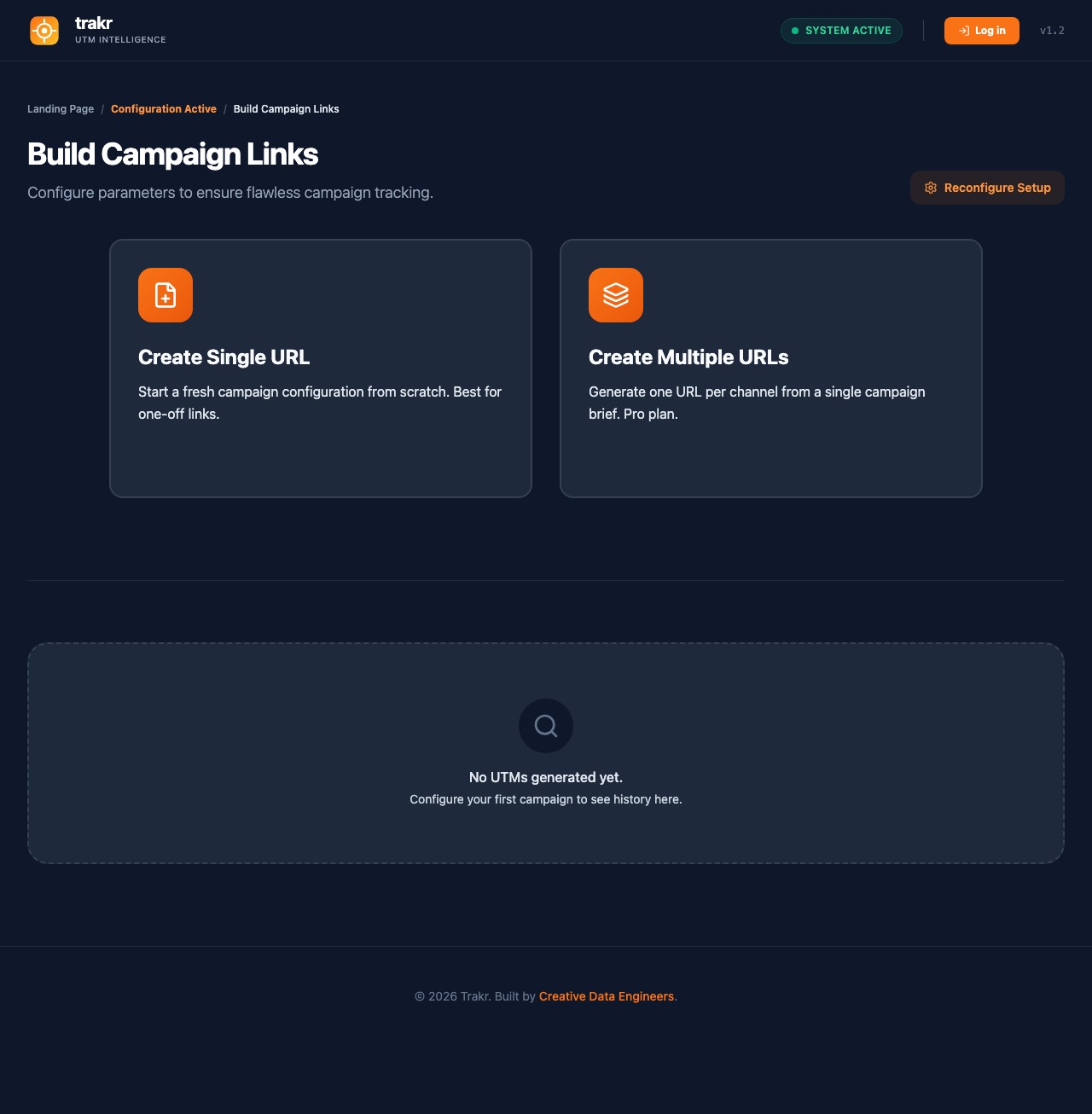
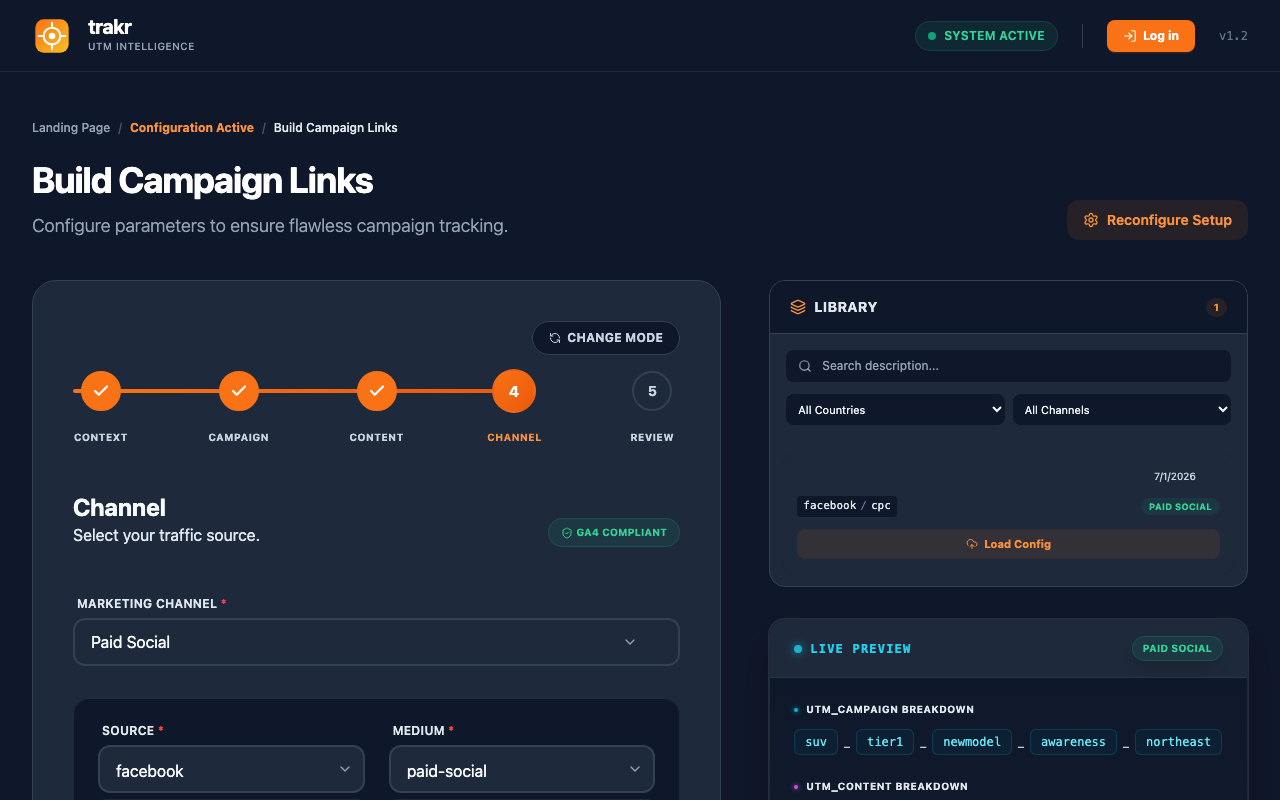
Create Single URL walks you through your configured steps: context (landing page, country), campaign fields, content fields, channel, review. The right column shows a live preview of the URL and the predicted GA4 channel while you type.
Create Multiple URLs (Pro) generates one URL per selected channel from a single campaign brief. Each channel becomes a row you can adjust, and rows can be duplicated for creative variants. Details are on the channels page.
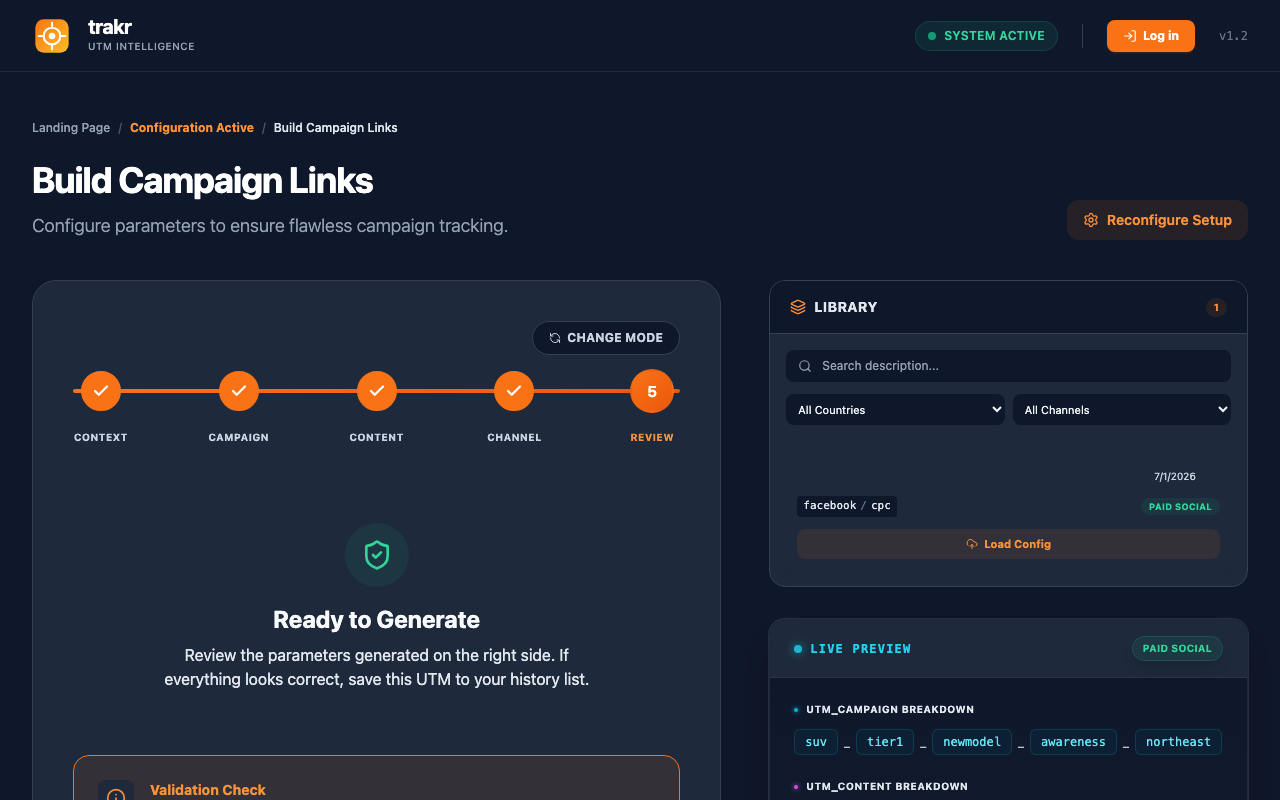
Your Library and history
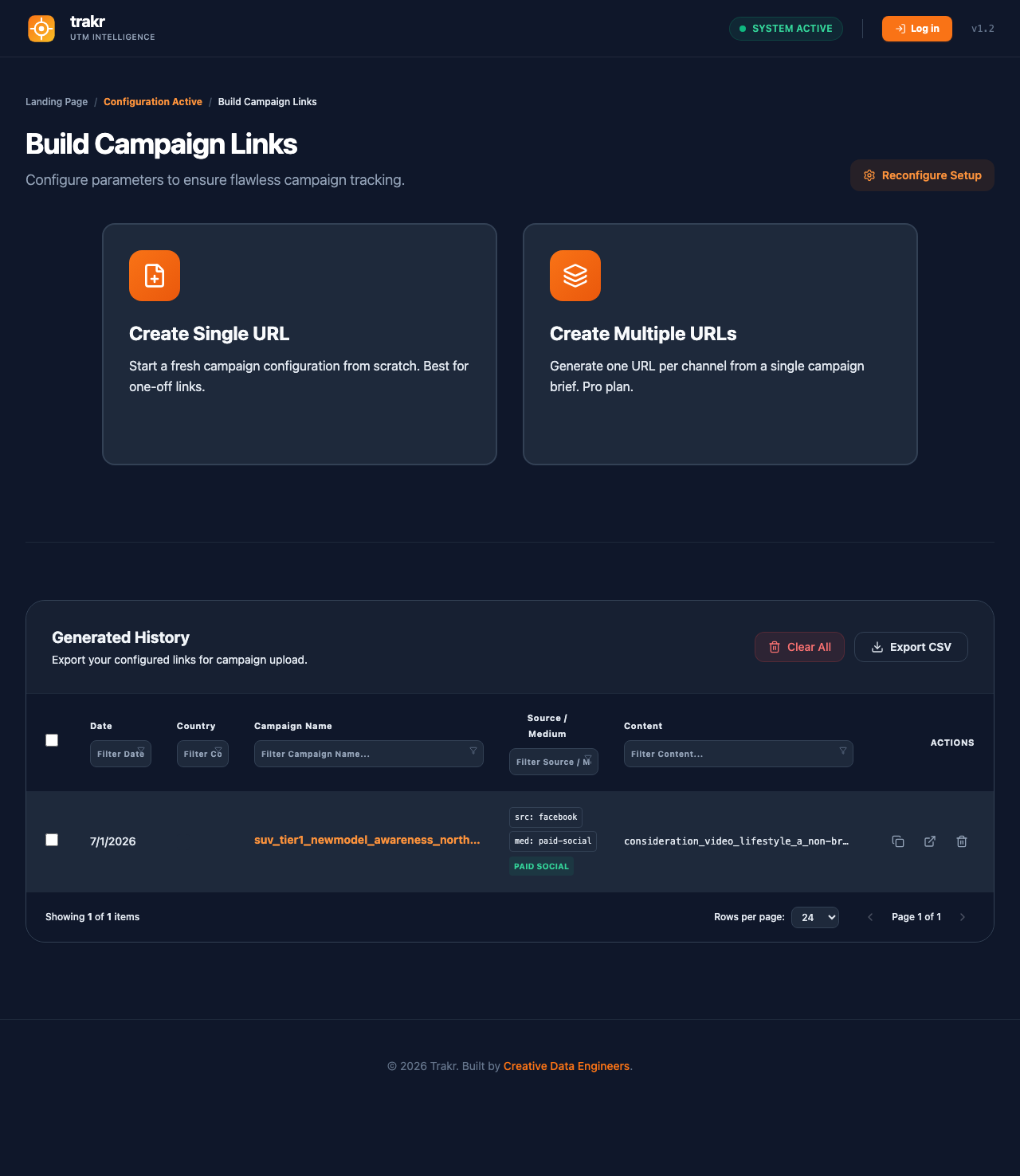
Generated URLs are saved automatically. The Library sidebar in the builder shows recent entries; URLs generated together in bulk collapse into one card with a Load as template button. The full history table below the builder supports sorting, filtering, and CSV export. The Library badge counts URLs, so a bulk batch of 3 URLs shows as one card and adds 3 to the count.
Accounts and storage
Without an account, your configuration and links are stored in your browser only. A free account saves them to the cloud and makes them available on any device. The Pro plan adds a team workspace with shared configurations, bulk generation, and full history. Pricing is on the homepage.